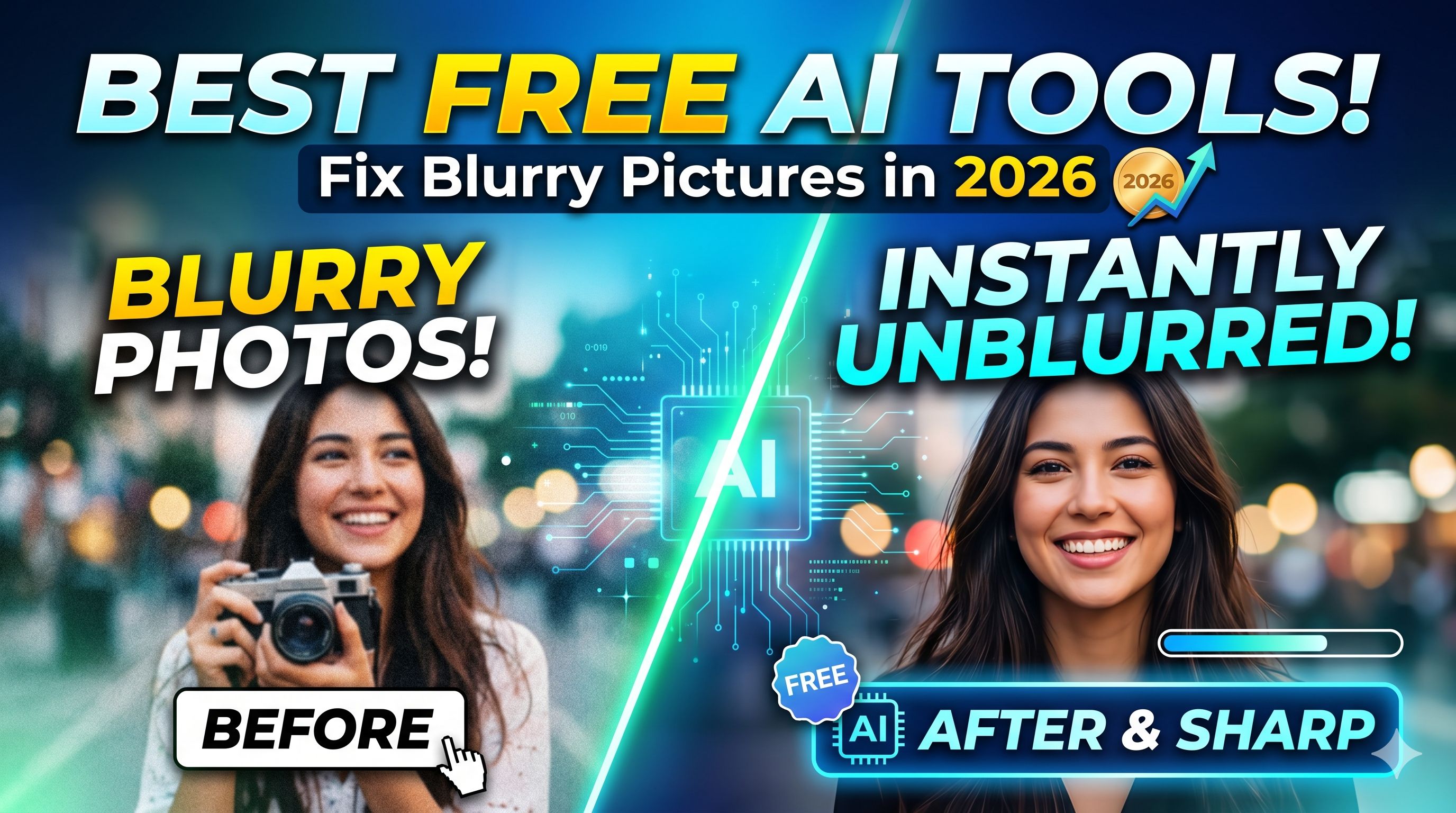
Fix Blurry Pictures Online Free: 7 AI Tools That Actually Work in 2026
You had the perfect shot. One motion blur, one shaky hand — and now it's unusable. Here is what nobody tells you upfront: most of the tools that promise to fix blurry pictures online are either paywalled, watermark-heavy, or just bad. I tested 7 of the actually decent ones so you don't have to.
Why AI Can Fix Blur That Sharpening Cannot
Traditional sharpening adds edge contrast. AI deblurring reconstructs what was actually there. Those are two entirely different operations, and confusing them is why most people get crunchy, over-sharpened results instead of genuinely clearer images.
When an image is blurry — whether from motion, lens defocus, or low resolution — the detail is mathematically degraded, not just hidden. Classical sharpening hacks around this with contrast tricks. AI models trained on millions of image pairs learn to infer what the original scene likely looked like, then fill in the missing detail.
I think this distinction matters a lot, especially if you're trying to recover faces, fine text, or license plates. Sharpening won't get you there. AI inference will.
Hot Take: The real bottleneck isn't the algorithm — it's the free tier. Every tool that matters has a paid version with 4K output. The question is whether the free version is useful enough to justify the workarounds.
Best Free AI Tools to Fix Blurry Photos Online
I tested each of these for real output quality, watermark behavior, and daily usage limits. Here is what I found:
1. Remini (Web + App)
Best for face restoration and portrait sharpening. The free tier gives you a limited number of enhancements per day, but the output quality on faces is genuinely impressive — it uses a GAN-based model trained specifically on human portraits.
Free tier: 5 enhancements/day. Output has no watermark on standard resolution. 4K export requires subscription.
2. Picwish AI Photo Enhancer
One of the cleaner free options for general blur removal without watermarks. Works well on objects, landscapes, and documents. Not the strongest for faces, but reliable for product photos or screenshots.
Free tier: No watermark. Batch processing locked behind paid plan.
3. Fotor AI Photo Enhancer
Fotor has been around long enough to do this properly. Its AI enhancer handles both motion blur and defocus blur, and the free version lets you download at standard resolution without a watermark.
Free tier: Standard resolution, no watermark. Daily limit applies.
4. Let's Enhance
The gold standard for 4K upscaling combined with blur correction. The free plan gives you 5 credits (one per image). Output is genuinely impressive for low-resolution source images that need both sharpening and upscaling simultaneously.
Free tier: 5 credits. 4x upscale available. No watermark.
5. Topaz Photo AI (Desktop, Free Trial)
The most powerful option on this list — and technically free during the trial period. If you're doing this seriously, Topaz Photo AI handles motion blur, noise, and upscaling in a single pass better than any online tool I've tested. After the trial, it's a paid license.
6. VanceAI Image Sharpener
Solid for text images and documents. If you're trying to unblur a screenshot with text, VanceAI processes it well. Free tier includes 3 image credits per month, which is not a lot, but the quality justifies it for critical images.
7. Adobe Firefly (Enhance Detail)
Adobe added AI sharpening to Firefly for free users of Photoshop Express web. It's not marketed as a blur remover specifically, but the Enhance Detail function does real work on defocused images. Worth using if you already have an Adobe account.
How to Remove Blur From a Photo: Step-by-Step
The process is more or less the same across tools. Here is what actually works:
1. Identify the type of blur — motion blur, defocus, or low resolution. They need different approaches.
2. Start with the highest-resolution version of the image you have. AI tools work better with more pixels to analyze.
3. Upload to your chosen tool — Remini for faces, Let's Enhance for 4K output, VanceAI for text.
4. Download at the highest free resolution, then re-run if needed.
5. If one tool fails, try another. Models differ significantly in what they handle well.
The single biggest mistake people make: using the compressed, already-shared version of a photo instead of the original. Always go back to the source file.
Remove Face Blur From Photos Online Free
Face blur removal is its own category. Standard AI sharpening tools often smear facial features when the blur is severe. You need tools specifically trained on portrait data.
Remini is the clear leader here. Its training dataset is weighted toward human faces, which means it reconstructs facial geometry, eye detail, and skin texture in a way that general sharpeners cannot.
For faces that have been intentionally blurred (privacy blur), removal is a different problem entirely — that is generally irreversible without the original, regardless of tool.
Example Prompt for AI-Assisted Face Restoration: "Restore facial detail in this portrait. Prioritize eye sharpness and skin texture. Avoid over-smoothing. Output at original resolution."
If you're using a general AI image editor that accepts prompts, this framing works better than simply saying 'sharpen.' It gives the model more specific reconstruction targets.
Unblur Text in Images Online
Text unblurring is a specific use case that often trips up face-optimized tools. The best options for recovering readable text from blurry screenshots or photos:
• VanceAI Image Sharpener — handles fine lines and character edges well
• Picwish — decent for printed text on white backgrounds
• Let's Enhance — good when the primary issue is low resolution rather than motion blur
One thing I've learned from testing: if the text is blurry because the image was compressed (JPEG artifacts), you need a different class of tool — an artifact remover, not a sharpener. Tools like Topaz JPEG to RAW handle this distinctly.
Blur to Clear Image Converter: 4K Upscaling
If your goal is not just sharpening but going from a small, blurry image to a large, clear 4K output, the process involves both blur removal and upscaling simultaneously.
Let's Enhance is designed for this exact workflow. It runs AI deblurring and upscaling in a single pass, which preserves natural detail better than running two separate tools in sequence.
For the prompt-based approach, if you're using a tool that accepts text instructions alongside image input, be specific about your output target:
Example 1 — General 4K Upscale:
"Upscale this image to 4K resolution. Remove motion blur and enhance edge
detail. Preserve natural color grading. Do not over-sharpen textures."
Example 2 — Product Photo Restoration:
"Restore this product photo: remove defocus blur, recover fine texture on
the surface, upscale to 3000px wide. Keep background clean."
The Right Prompt to Remove Blur With AI
If you're working with a multimodal AI model (like Claude or GPT-4o with image input), you can describe what restoration you want rather than just hitting a one-click button. This gives you more control over the output when the tool supports text guidance.
The principle is: describe what was in the image, not what the image currently looks like. AI reconstruction works better when you give it a target to aim for.
Example 1 — Portrait Recovery:
"This is a photo of a person taken in low light with slight motion blur.
The subject has short dark hair and is standing near a window. Restore
facial sharpness and remove motion blur. Prioritize the face and eyes."
Example 2 — Document Scan Recovery:
"This is a scan of a printed document in English. Remove blur from the
text. The font is approximately 12pt serif. Output should be clean black
text on white background, readable at 100% zoom."
Most dedicated blur removal tools don't accept prompts yet — but as AI image editors get more sophisticated, this will matter more. Get used to describing what you actually want.
Tools That Work Without AI
Contrarian point: sometimes you don't need AI. If the blur is mild and the image is already high resolution, a classical unsharp mask in GIMP or Darktable will do the job in 30 seconds with no upload, no account, and no daily limit.
GIMP's Filters > Enhance > Unsharp Mask with Amount 0.5, Radius 3, Threshold 0 is a solid starting point for light sharpening. It won't reconstruct missing detail like AI tools, but it will make a mildly soft image look crisp without artifacts.
My honest take: if you're restoring faces or trying to recover a badly blurred photo, AI is the right tool. If you're just touching up a slightly soft landscape shot, GIMP will handle it faster with zero friction.
Frequently Asked Questions (FAQs)
How do I fix blurry pictures online for free?
Upload your photo to a free AI tool like Remini, Picwish, or Fotor AI Photo Enhancer. These tools use neural networks to reconstruct sharp detail from blurry inputs. Most allow at least 3 to 5 free downloads per day without a watermark. For best results, use the original high-resolution file rather than a compressed copy.
Which AI tool can fix blurry photos free without a watermark?
Picwish and Fotor both offer watermark-free output on their free tiers as of 2026. Remini's free tier is also watermark-free at standard resolution. Let's Enhance gives 5 free credits with no watermark. Avoid tools that add watermarks unless they have a clearly labeled free plan with clean download.
Can AI remove blur from a photo?
Yes. AI deblurring works by inferring the original content from degraded pixel data. Tools like Remini, Topaz Photo AI, and Let's Enhance use convolutional neural networks trained on pairs of blurry and sharp images. They don't just sharpen — they reconstruct missing detail, which is why they outperform classical sharpening filters for severe blur.
How do I unblur text in an image online?
VanceAI Image Sharpener handles text images better than most general-purpose tools. For screenshot blur, also try Picwish. If the text blur is from JPEG compression rather than camera blur, use an artifact removal tool like Topaz JPEG to RAW or Remini, which handles compression noise separately from optical blur.
Is there a blur to clear image converter for 4K?
Let's Enhance is the best free option for blur removal plus 4K upscaling in a single operation. The free plan includes 5 image credits. Topaz Photo AI (trial) is more powerful for desktop use. Both tools handle upscaling and deblurring simultaneously, which produces better results than running two tools sequentially.
Can I remove face blur from a photo online?
Remini is the leading free tool for face-specific blur removal. It is trained on portrait data and handles facial geometry reconstruction better than general sharpeners. Intentional privacy blur (Gaussian or pixelated face censoring) is generally irreversible without the original source, regardless of tool.
How do I unblur an image without AI?
GIMP's Unsharp Mask filter (Filters > Enhance > Unsharp Mask) is the most accessible non-AI option. Start with Amount 0.5, Radius 3.0, Threshold 0. This works for mild blur on high-resolution images. For severe blur, classical methods cannot recover detail that AI can infer — the information is simply not there.
What is the best free blur remover app?
Remini is the top-rated free blur remover app (iOS and Android) as of 2026, especially for portraits. For desktop or browser use, Picwish and Fotor are the most reliable free options with no watermark on standard downloads. Let's Enhance is best when your goal is blur removal plus high-resolution upscaling.
Follow along on promptailearning.com for weekly guides on prompting, AI tools, and getting more out of every model.
Recommended Blogs
If you found this useful, these posts go deeper on related topics:
Best Claude AI Prompts 2026: 25+ Types With Examples
Best ChatGPT Prompts 2026: 200+ With Real Examples
Prompt Library — 400+ Free Templates
AI Tools Guide — Full Directory