
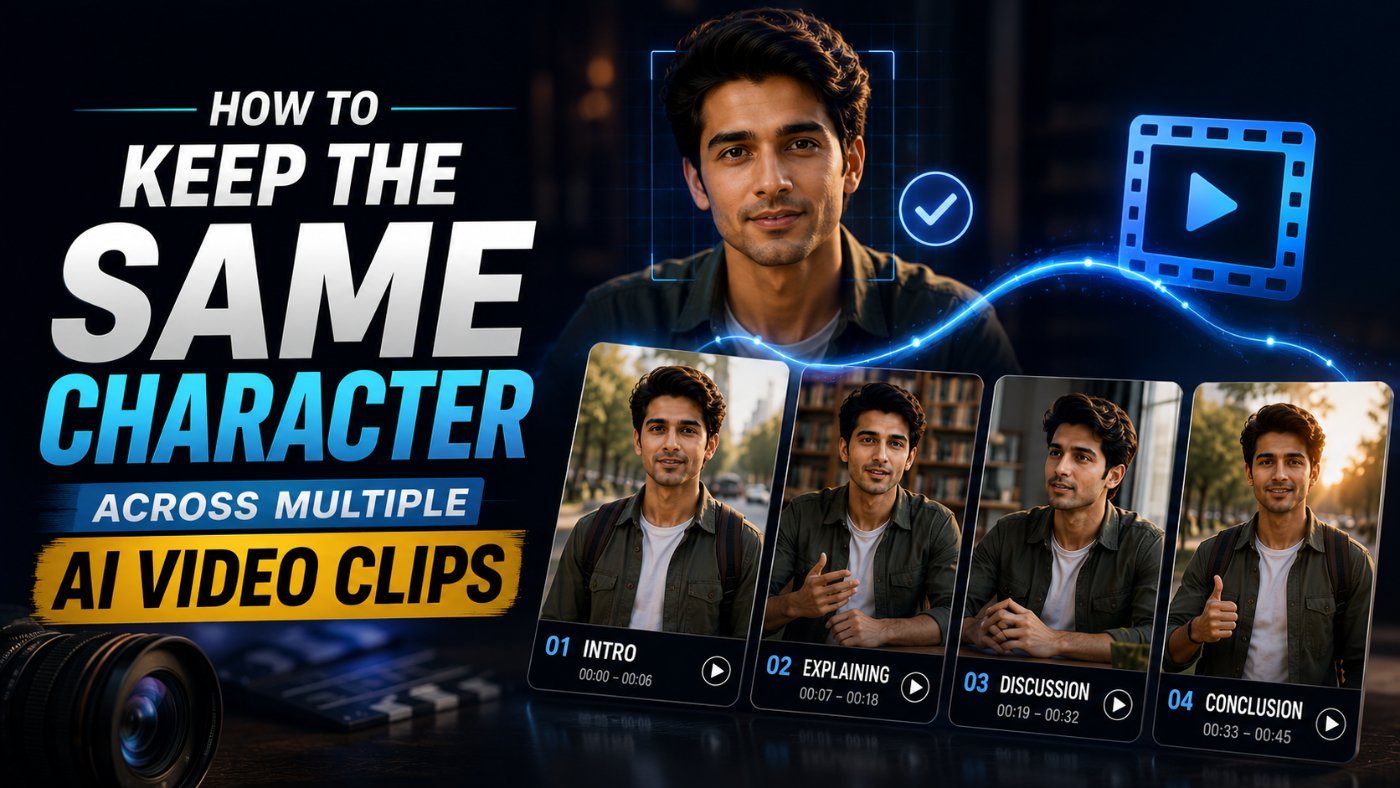
How to Keep the Same Character Across Multiple AI Video Clips
The first time I tried to stitch together a 5-clip AI video sequence with the same character, she had brown hair in clip one, slightly different brown hair in clip two, and a completely different jacket by clip four, despite every prompt describing the exact same person. This is the single most common frustration in AI video work right now, and it comes down to two things almost nobody explains clearly: how seed numbers actually work, and why a text description alone is never enough to lock in a character's appearance across separate generations.
Why Character Consistency Breaks Between Clips
Every time you generate a new AI video clip from a fresh text prompt, the model is essentially starting over, reinterpreting your description from scratch with no memory of exactly what it rendered last time. Two prompts that say "a woman with brown hair in a red jacket" can produce two visibly different women, since "brown hair" and "red jacket" still leave enormous room for interpretation, hair length, exact shade, jacket style, face shape, none of which the text pinned down precisely enough to repeat.
My honest opinion here: most people treat character consistency as a prompting problem alone, when it is really a combination of three separate tools working together, a maximally specific locked description, a consistent seed number, and, where the platform supports it, a character reference image. Relying on just one of the three is why most multi-clip AI video projects end up with a character who subtly drifts from scene to scene.
What a Seed Number Actually Does
A seed number is the starting value the model uses for the random noise pattern it generates an image or video frame from. Using the exact same seed number with the exact same prompt tends to produce a very similar, sometimes near-identical, output, since you have removed the randomness that would otherwise vary between generations.
The important nuance most guides skip: a matching seed number alone does not guarantee consistency if the prompt text changes between clips, even slightly. The seed controls the starting noise pattern, not a memory of a specific character. Changing the prompt from "a woman walking through a forest" to "a woman standing in a forest" with the same seed can still produce a visibly different-looking character, because the seed and the prompt interact together, not independently.
Building a Locked Character Description
Before touching seed numbers or reference images, the text description itself needs to be specific enough that there is minimal room for the model to interpret differently between generations. This description should then be reused word-for-word across every clip in the sequence.
Bad Prompt (what most people type)
A woman with brown hair in a red jacket walking down a street
Good Prompt (adds structure and context)
A woman in her late 20s with shoulder-length wavy brown hair, fair skin, wearing a red wool jacket and dark jeans, walking down a street
Expert Prompt (production-ready, fully specified)
Character Reference Block (reuse exactly, word for word, in every clip): "A woman, approximately 28 years old, shoulder-length wavy brown hair with a side part, fair skin, brown eyes, wearing a fitted red wool jacket over a black turtleneck, dark blue straight-leg jeans, and white sneakers." Clip-Specific Action (change only this part per clip): [DESCRIBE THE ACTION AND SETTING FOR THIS SPECIFIC CLIP]
Full Prompt Structure: [CHARACTER REFERENCE BLOCK] + [CLIP-SPECIFIC ACTION], consistent lighting style: [e.g. "soft natural daylight"], consistent camera style: [e.g. "medium shot, eye level"].
What changed: The expert version separates the prompt into a fixed character block that never changes and a variable action block that does, which is the core discipline that prevents the character description from drifting slightly with each new clip's wording.
Using Seed Numbers Across Multiple Clips
Once the character description is locked, the seed number becomes the second layer of consistency, particularly useful for keeping facial structure and fine details stable across clips that use the same or very similar prompts.
Bad Prompt
Generate this clip, then generate the next one with a new seed
Good Prompt
Generate this clip using seed number 384729, and use the same seed number for every following clip with this character.
Expert Prompt
Task: Generate a sequence of video clips featuring the same character.
Instructions: Use seed number [YOUR SEED NUMBER] for every clip in this sequence. Use the exact locked Character Reference Block provided below, unchanged, in every clip. Only vary the Clip-Specific Action section between clips.
Character Reference Block: [PASTE YOUR LOCKED DESCRIPTION]
Clip 1 Action: [ACTION FOR CLIP 1]
Clip 2 Action: [ACTION FOR CLIP 2]
Clip 3 Action: [ACTION FOR CLIP 3]
Note: If any clip's output shows a visible inconsistency in the character's appearance compared to the reference block, flag it before proceeding to the next clip rather than continuing the sequence.
What changed: The expert version explicitly instructs a consistency check between clips rather than generating the full sequence blind, which catches drift early instead of discovering it only after all five clips are finished and no longer match.
Using Character Reference Images
On platforms that support image-to-video or character reference uploads (such as providing a reference image alongside your text prompt), this is generally the strongest consistency tool available, since it anchors the model to actual visual data rather than a text interpretation alone.
Bad Prompt
Use this image and make a video of her walking
Good Prompt
Use the attached reference image to maintain this character's exact appearance, and generate a video of her walking through a park, keeping her face, hair, and outfit consistent with the reference.
Expert Prompt
Task: Generate a video clip using the attached character reference image as the visual anchor.
Instructions: Maintain the character's face, hair color and style, and outfit exactly as shown in the reference image. Do not alter her clothing, hair length, or facial features.
Action for this clip: [DESCRIBE THE ACTION AND SETTING].
Consistency Note: This reference image will be reused for all following clips in this sequence, maintain identical appearance across all of them regardless of camera angle or lighting changes specified per clip.
What changed: The expert prompt explicitly states the reference image will be reused across the full sequence and instructs the model to hold appearance constant even as camera angle and lighting vary per clip, which are exactly the variables most likely to introduce subtle drift if not addressed directly.
I keep this three-layer consistency prompt structure saved in the free prompt library so character drift gets caught before a five-clip sequence is finished, not after.
Copy-Paste Template: Character Consistency Prompt
Use this exactly as written across your full clip sequence. Replace the [brackets] with your specifics.
CHARACTER REFERENCE BLOCK (reuse word-for-word in every clip): "[FULL PHYSICAL DESCRIPTION: age, hair color/length/style, skin tone, eye color, exact outfit description]"
CONSISTENCY SETTINGS:
Seed Number: [YOUR SEED NUMBER, reused for every clip] Reference Image: [ATTACHED, if platform supports it] Lighting Style: [e.g. "soft natural daylight"]Camera Style: [e.g. "medium shot, eye level"] CLIP-SPECIFIC ACTION (only this section changes per clip): [DESCRIBE ACTION AND SETTING FOR THIS CLIP]
Instruction: Use the Character Reference Block, seed number, and reference image unchanged across every clip in this sequence. Only vary the Clip-Specific Action section. Flag any visible inconsistency in appearance before proceeding to the next clip.
Save this to your prompt library at promptailearning.com/prompts.
Prompt Glossary
Seed number: A numerical value that determines the starting random noise pattern a generative model uses to produce an image or video, reused to increase similarity between separate generations.
Character reference image: An uploaded image used to anchor a generated video's character to a specific, consistent visual appearance, generally more reliable than a text description alone.
Locked description: A character description written with high enough specificity that it is reused word-for-word across multiple generations, rather than rewritten or paraphrased each time, to minimize interpretive drift.
Character drift: The gradual or sudden change in a character's appearance across separate AI-generated clips, caused by variation in prompt wording, seed number, or lack of a reference image.
Image-to-video: A generation method where a video is created starting from a reference image rather than from a text prompt alone, generally producing stronger visual consistency with the source image.
Recommended Blogs
If you found this useful, these posts go deeper on related topics:
● Best ChatGPT Prompts 2026: 200+ With Real Examples
● Best Gemini AI Prompts 2026: 100+ Templates With Examples
● AI Models Directory: Compare 60+ LLMs, Image and Video Models
Frequently Asked Questions
What is a seed number in AI video generation?
A seed number is the starting value used for the random noise pattern a generative model builds an output from. Reusing the same seed number across generations increases the likelihood of similar results, though it works best combined with an unchanged prompt.
Does using the same seed number guarantee the same character?
Not on its own. A matching seed number needs to be paired with an unchanged, locked character description, and ideally a reference image, since even small wording changes in the prompt can still produce visible differences with the same seed.
What is the most reliable way to keep a character consistent across AI video clips?
A character reference image is generally the strongest tool where the platform supports it, since it anchors the model to actual visual data rather than a text interpretation. Combining a reference image with a locked text description and a consistent seed number gives the strongest overall result.
Why does my AI-generated character's outfit change between clips?
This usually happens when the outfit description in the prompt is not specific enough, or when the prompt wording changes slightly between clips even if the intended outfit stays the same. A locked, word-for-word character reference block reused across every clip helps prevent this.
Can I use the same seed number across different platforms?
No. Seed numbers are specific to the model and platform that generated the original output, and will not produce comparable or consistent results if used on a different AI video platform.
Should the character description change between clips in a sequence?
No, the character description should stay identical word-for-word across every clip. Only the action, setting, or camera details specific to that individual clip should change.
What should I do if a clip shows a visible inconsistency in the character?
Flag it immediately rather than continuing the sequence, and consider regenerating that specific clip with the same locked description, seed number, and reference image before moving forward, since inconsistencies tend to compound across a longer sequence.
Do all AI video platforms support character reference images?
Support varies by platform and changes frequently as these tools update. Check the specific platform's current documentation for image-to-video or character reference capabilities before relying on this method.
Save this character consistency prompt structure to the free prompt library so your next multi-clip sequence keeps the same character from the first frame to the last.