
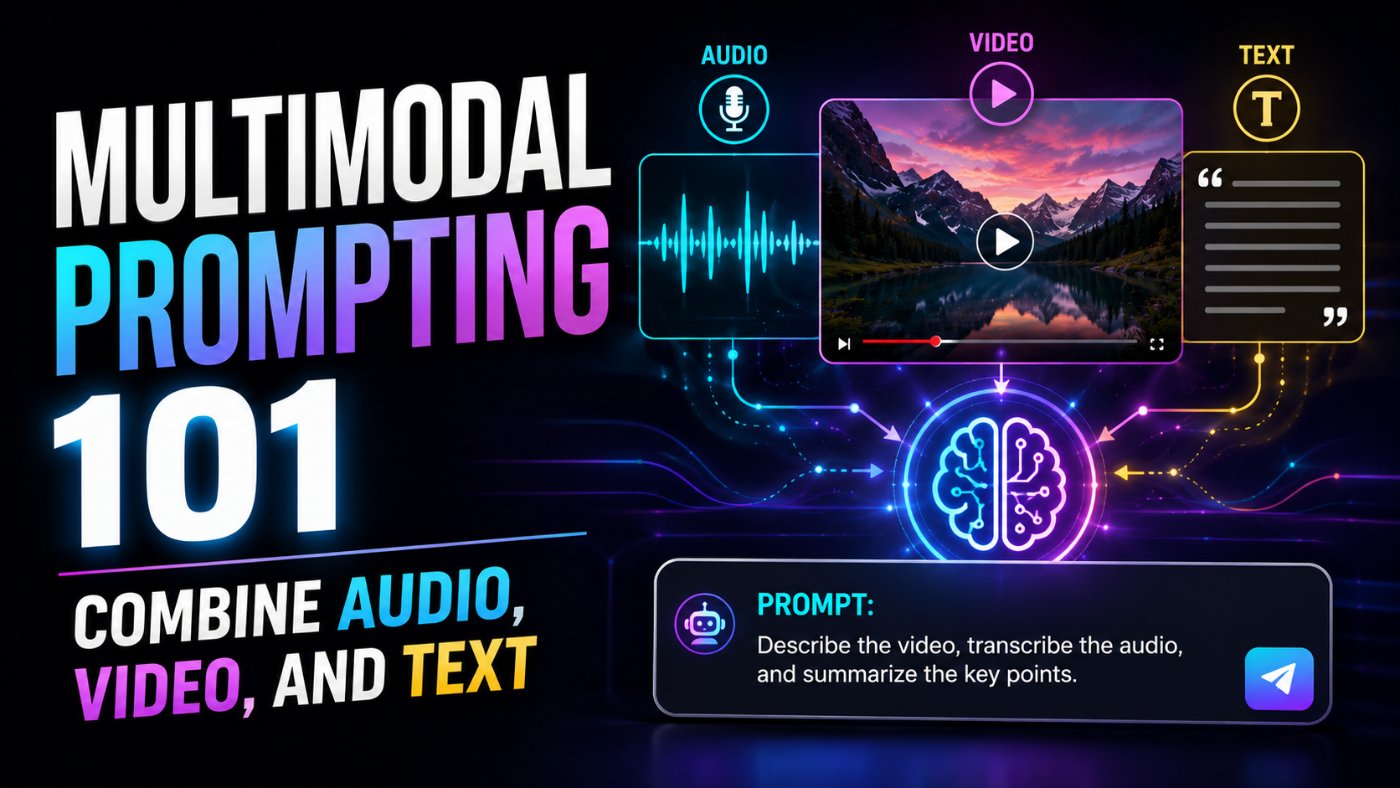
Multimodal Prompting 101: Combine Audio, Video, and Text
Most people using multimodal AI models are still working one file at a time: upload a video, get a summary, close the tab, upload a transcript separately, ask another question. That is not multimodal prompting, that is single-modal prompting with extra steps. The actual value shows up when you feed a model video, audio, and text together in one prompt and ask it to reason across all three at once, catching things that would be invisible to any single input alone.
What Multimodal Prompting Actually Means
Multimodal prompting is structuring a single prompt so a model reasons across more than one input type, video, audio, images, or text, at the same time, rather than processing each one in isolation and stitching the results together yourself afterward.
The distinction matters because cross-referencing is where the actual insight lives. A model that watches a product demo video and separately reads a bug report will summarize each one fine. A model given both together, and explicitly asked to check whether the video shows the behavior described in the bug report, can tell you the bug report is describing a screen that never actually appears in the recording. That second capability only shows up when you design the prompt to force cross-referencing, it does not happen automatically just because you uploaded multiple files.
Which Models Handle This Well Right Now
Native multimodal handling, meaning a model processes video, audio, and text through the same reasoning pass instead of routing each modality through a separate specialized pipeline, is where the real capability gap between models still shows up.
● Gemini 3.5 Flash and Gemini 3.1 Pro remain the strongest choice specifically for native video understanding, Google's models are built with video as a first-class input rather than a bolt-on, which matters for longer clips and precise timestamp referencing.
● GPT-5.5 is a strong general-purpose option when your multimodal task also needs heavy tool use or code generation alongside the analysis, for example generating a report or script from what it finds in the footage.
● Claude Opus 4.8 is particularly strong for careful reasoning over documents, screenshots, and structured text, and pairs well with a separate transcription step when the core task is deep textual or visual document analysis rather than long-form video.
The practical takeaway: for pure video-plus-audio-plus-text cross-referencing at length, Gemini's native video handling currently has the edge. For tasks where the output also needs to become code, a report, or a structured action plan, GPT-5.5 or Claude tend to be stronger choices depending on whether the emphasis is tool use or careful document reasoning.
Prompt 1: Cross-Referencing Video Footage With Text Data
This is the core multimodal use case: does what happens in the video actually match what a separate text document claims happened.
Bad Prompt (what most people type)
Summarize this video.
Good Prompt (adds structure and context)
Watch this video and tell me if it matches the process described in this document.
Expert Prompt (production-ready, fully specified)
Act as a QA analyst cross-referencing a training video against a written process document.
Task: Watch the video below and compare each step shown against the corresponding step in the process document. Identify any step in the document that is missing, out of order, or contradicted in the video, and any step shown in the video that is not documented at all.
Format: Table with columns: Document Step, Shown In Video (Yes/No/Partial), Timestamp If Shown, Discrepancy Type, Notes.
Constraints: Reference specific timestamps for every claim about what appears in the video, do not describe video content without a timestamp attached. Flag low-confidence matches explicitly rather than guessing.
Tone: Precise, analytical, written for a process compliance review.
Process document:
[PASTE PROCESS DOCUMENT TEXT HERE]
[ATTACH VIDEO FILE]
What changed: The bad prompt only engages the video and ignores the text entirely. The good prompt asks for comparison but leaves format and evidence standards undefined, so the output tends to be a vague paragraph. The expert prompt forces a structured, timestamp-anchored comparison, which is what actually makes the output auditable rather than just a confident-sounding summary you have to re-verify by hand anyway.
Prompt 2: Transcription With Context-Aware Correction
Raw auto-transcription gets industry terms, names, and acronyms wrong constantly. Feeding the model reference text alongside the audio dramatically improves accuracy, because it can cross-check ambiguous audio against known terminology instead of guessing phonetically.
Expert Prompt
Act as a transcription editor with subject-matter context.
Task: Transcribe the audio below. Use the reference glossary provided to correct any technical terms, product names, or acronyms the transcription might otherwise mishear or misspell.
Format: Timestamped transcript in [MM:SS] Speaker: text format, with corrected terms left as-is (do not flag corrections inline, just transcribe accurately).
Constraints: Where a term is ambiguous and not covered by the glossary, transcribe your best interpretation and mark it with [unclear] rather than guessing silently.
Tone: Neutral, accurate, no summarization or editorializing.
Reference glossary:
[PASTE LIST OF TECHNICAL TERMS, NAMES, ACRONYMS]
[ATTACH AUDIO FILE]
The glossary step alone tends to fix the majority of transcription errors I run into with technical or brand-heavy content, and it costs almost nothing to add to the prompt.
Prompt 3: Finding Discrepancies Between What Was Said And What Was Shown
This is the sharpest version of cross-referencing: within a single video, does the narration match the visuals, useful for reviewing everything from training content to marketing claims against product demos.
Expert Prompt
Act as a content accuracy reviewer.
Task: Review the video below for any point where the spoken narration makes a claim that is not supported by, or is contradicted by, what is visually shown on screen at that moment.
Format: List each discrepancy with: Timestamp, What Was Said, What Was Shown, Type Of Discrepancy (Unsupported Claim / Direct Contradiction / Missing Visual Confirmation).
Constraints: Only flag discrepancies where the visual and audio are clearly misaligned, not minor stylistic differences. State your confidence level for each flagged item.
Tone: Objective, evidence-based, written for a content accuracy review before publishing.
[ATTACH VIDEO FILE WITH AUDIO]
Structuring Multimodal Prompts For Reliable Output
● Always ask for timestamp references when a claim is about video or audio content, an unanchored claim ('the video shows X') is much harder to verify than one with a specific timestamp attached.
● Provide reference material (glossaries, process documents, expected outcomes) directly in the prompt rather than assuming the model already knows your specific context.
● Ask explicitly for cross-referencing rather than separate summaries, a prompt that says 'compare A against B' behaves very differently from one that says 'summarize A and summarize B.'
● Request structured output (tables, numbered lists) for anything that needs to be reviewed or acted on, free-form paragraphs make multimodal findings harder to audit and easier to skim past.
Common Mistakes That Break Multimodal Prompts
Watch For These
Asking for a summary instead of a comparison. If you upload two inputs and ask only for a summary, most models will summarize them separately rather than cross-referencing, even with both files in the same prompt.
Skipping timestamp requirements. Without asking for timestamps explicitly, video and audio analysis tends to produce vaguer, harder-to-verify claims.
Assuming accuracy without spot-checking. Multimodal models can still misread fast dialogue, overlapping audio, or brief on-screen text. Spot-check a sample of the model's timestamped claims against the actual footage before trusting the full output, especially for anything used in a compliance or accuracy review.
Copy-Paste Template: Multimodal Cross-Reference Prompt
Use this exactly as written. Replace the [brackets] with your specifics.
Act as a [ROLE: QA analyst / content accuracy reviewer / compliance reviewer] cross-referencing multimodal content.
Task: Compare [VIDEO/AUDIO INPUT] against [TEXT REFERENCE, e.g. process document, script, claims list]. Identify any point where they align, are missing, or contradict each other.
Format: Table with columns: Reference Point, Shown/Confirmed (Yes/No/Partial), Timestamp, Discrepancy Type, Notes.
Constraints: Reference specific timestamps for every claim about audio or video content. Flag low-confidence matches explicitly rather than guessing.
Tone: Precise, evidence-based, written for [SPECIFIC AUDIENCE/PURPOSE].
Text reference:
[PASTE REFERENCE TEXT HERE]
[ATTACH VIDEO OR AUDIO FILE]
-- Role: Multimodal content cross-reference reviewer
-- Task: Compare video/audio against a text reference, flag discrepancies
-- Format: Table with timestamp-anchored findings
-- Constraints: Timestamps required, confidence levels stated, no unsupported claims
-- Tone: Precise, evidence-based
Save this to your prompt library at promptailearning.com/prompts and adapt the role and reference type for each review.
Prompt Glossary
Native multimodal model: A model architecture that processes multiple input types (text, image, audio, video) through the same underlying reasoning system, rather than routing each type through a separate specialized model and combining results afterward.
Cross-referencing: Explicitly comparing information across two or more inputs to find alignment, gaps, or contradictions, as opposed to summarizing each input independently.
Timestamp anchoring: Requiring a model to cite the specific point in a video or audio file where a claim is supported, making the output easier to verify against the source.
Context-aware transcription: Transcription that uses reference material, like a glossary of technical terms, to improve accuracy on domain-specific audio content.
Discrepancy flagging: Explicitly asking a model to identify contradictions or unsupported claims between two inputs, rather than just describing each one.
Recommended Blogs
If you found this useful, these posts go deeper on related topics:
● Best Gemini AI Prompts 2026: 100+ Templates
● Best Claude AI Prompts 2026: 25+ Types With Examples
● The Guide to Agentic Prompts
Frequently Asked Questions
What is multimodal prompting?
Multimodal prompting is structuring a prompt so an AI model reasons across more than one input type, such as video, audio, and text, in a single pass, explicitly asking it to cross-reference them rather than summarize each one separately.
Which AI model is best for analyzing video content?
As of 2026, Gemini 3.5 Flash and Gemini 3.1 Pro have a particular edge for native video understanding, since Google's models are built with video as a first-class input. GPT-5.5 and Claude Opus 4.8 are strong alternatives depending on whether the task also needs heavy tool use or careful document reasoning.
Can AI models transcribe audio and check it against a document at the same time?
Yes, when the prompt explicitly asks for cross-referencing and provides both the audio and the reference document together, rather than asking for a transcription and a document summary as two separate requests.
How do I improve AI transcription accuracy for technical terms?
Provide a glossary of technical terms, names, and acronyms directly in the prompt alongside the audio file. This gives the model a reference to check ambiguous audio against, rather than transcribing purely phonetically.
Why does my multimodal prompt just summarize each file separately?
Most models default to summarizing inputs independently unless the prompt explicitly asks for comparison or cross-referencing. Use language like 'compare X against Y' or 'identify any contradiction between' rather than 'summarize this.'
Should I trust AI video analysis without checking it myself?
Spot-check a sample of the model's timestamped claims against the actual footage before relying on the full output, especially for compliance, accuracy, or any decision with real consequences. Multimodal models can still misread fast dialogue or brief on-screen details.
What is timestamp anchoring in AI video prompts?
It means requiring the model to cite the specific timestamp in a video or audio file supporting any claim it makes, which makes the output far easier to verify against the source material.
Do I need different models for video, audio, and text, or can one model handle all three?
Native multimodal models like Gemini, GPT-5.5, and Claude Opus 4.8 can process video, audio, and text together in a single prompt without needing separate specialized tools for each modality, provided the prompt is structured to make use of that capability.
References
● Anthropic Claude Documentation - Official model and API documentation
● Prompt AI Learning Prompt Library - 400+ free templates
Follow along on promptailearning.com for weekly guides on prompting, AI tools, and getting more out of every model.
EXPLORE MORE ON PROMPTAILEARNING.COM
STAY UPDATED WITH AI NEWS
Follow the full AI news series and never miss a story:
● Daily AI News - Top 5 Stories Every Morning
● Weekly AI Roundups - 15+ Stories Every Monday
● Monthly AI Recaps - Full Archive by Month
LEARN THE MODELS MAKING THESE HEADLINES
The models in today's news are only useful if you know how to prompt them well. Start here:
● Best Claude AI Prompts 2026 - 25+ Types With Examples
● Best ChatGPT Prompts 2026 - 200+ Real Examples
● Best Gemini AI Prompts 2026 - 100+ Templates
COMPARE THE MODELS
Not sure which model to use? These comparison pages give you the full picture:
● ChatGPT vs Claude - Full 2026 Comparison
● AI Models Directory - Compare 60+ LLMs, Image and Video Models
BUILD SKILLS THAT COMPOUND
Reading AI news is step one. Building skills with these models is step two:
● Free Prompt Library - 213+ Copy-Paste Templates
● Start Prompt Engineering - Free Course for All Levels
● The Guide to Agentic Prompts
● Coding Prompts for Developers - Production-Ready Templates
USE PROMPTS FOR THE NEWS TOPICS YOU READ ABOUT TODAY
Every story in today's post maps to a real use case. These prompt categories help you act on what you read:
● Business and Strategy Prompts - Analysis, Pitch Decks, OKRs
● Writing and Content Prompts - Emails, Case Studies, White Papers
● AI Knowledge Hub - Technical Blueprints and Career Guides
ABOUT THIS BLOG
promptailearning.com publishes free daily AI news, weekly roundups, monthly recaps, prompt guides, model comparisons, and course content for anyone who wants to get better at using AI. Written by Swatantra Verma. No paywalls, no fluff.
Connect With Us
● Email: contact@promptailearning.com
● Founder: Swatantra Verma on LinkedIn
● Co-Founder: Prateek Patel on LinkedIn
● Company LinkedIn: Prompt AI Learning
Company X: @promptailearnin