
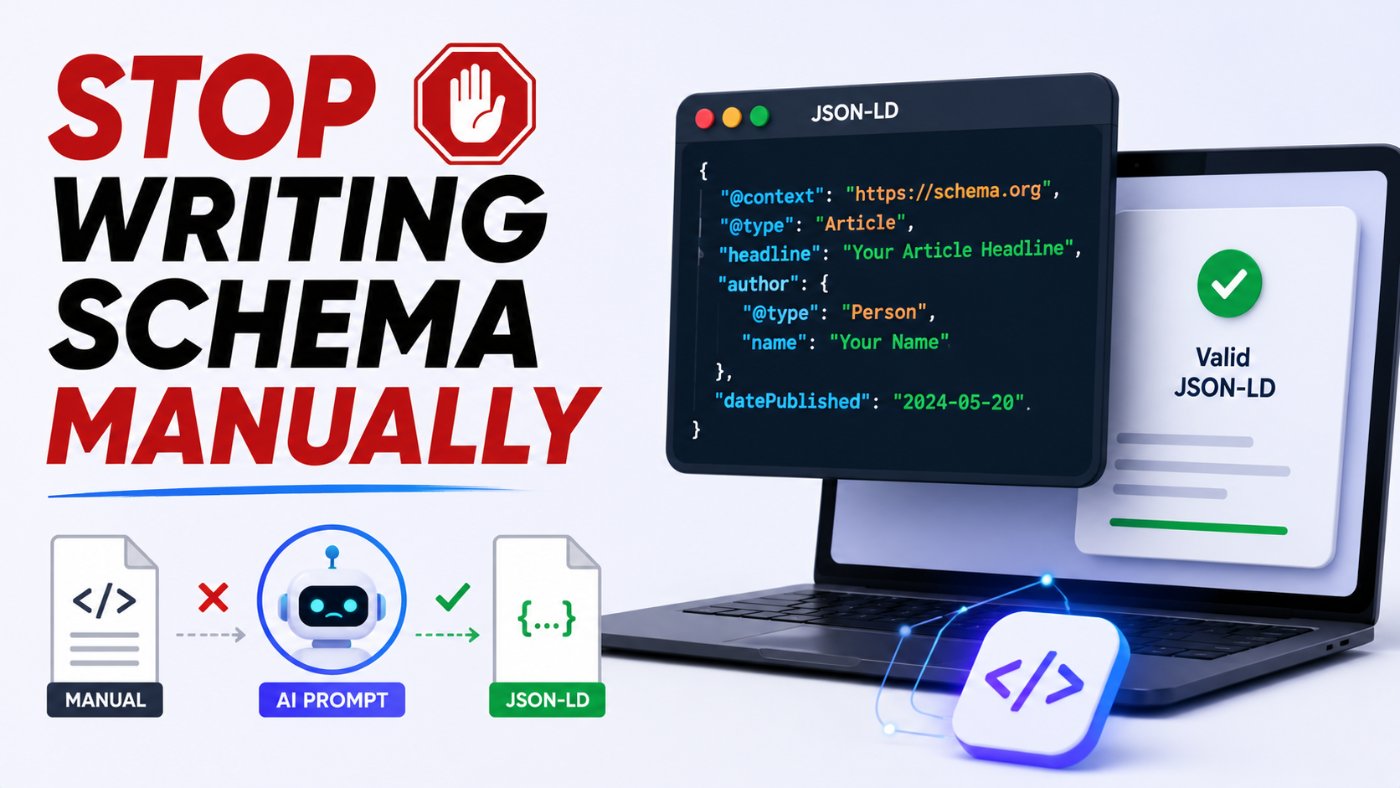
Stop Writing Schema Manually: The Ultimate AI Prompt Guide for JSON-LD Generation
I spent close to an hour once hand-writing FAQPage schema for a client site, missed a single closing bracket, and did not notice until Search Console flagged it three weeks later as an invalid structured data error. That was the last time I wrote JSON-LD by hand. AI models are genuinely good at generating valid schema, but only if you prompt them with the exact same precision the schema itself requires, which most people do not.
Why Schema Markup Still Breaks Even With AI
Schema markup is unforgiving in a way most content is not. A blog post with an awkward sentence still reads fine. A JSON-LD block with one missing comma, one wrong property name, or one mismatch between the schema and the visible page content can get the entire block ignored or, worse, flagged as spam by Google's structured data guidelines.
My honest opinion here: most "AI generated broken schema" complaints are actually prompt failures, not model failures. When you ask for schema without specifying the exact page content it needs to match, the model has no choice but to guess at property values, and guessed values are exactly what triggers validation errors and manual actions for misleading markup.
The Schema Types Worth Generating With AI
Not every schema type needs the same level of prompt detail. Here is where AI-assisted generation is most reliable, and where you need to double-check the output most carefully.
● Article: Reliable with AI, but the author, datePublished, and image properties need to be pulled from your actual page, not invented.
● FAQPage: Very reliable with AI as long as the questions and answers match the visible FAQ text on the page exactly, word for word.
● HowTo: Reliable for step structure, but step numbering and any tool or supply lists must match what is actually described in the content.
● Product: Needs the most caution, since price, availability, and review data must reflect real, current values, not placeholders the model invents to fill the schema.
● BreadcrumbList: Very reliable and low-risk, since it is just a structured version of your site's navigation hierarchy.
● LocalBusiness: Reliable for structure, but address, phone number, and hours must be copied exactly from your verified business information.
Generating Article Schema
Article schema is one of the most commonly implemented types, and one of the easiest to get subtly wrong by letting the AI invent a placeholder date or author instead of using your real values.
Bad Prompt (what most people type)
Write JSON-LD schema for a blog article
Good Prompt (adds real data instead of placeholders)
Write JSON-LD Article schema for a blog post titled "10 AI Prompts for Beginners," published on July 1, 2026, written by Swatantra Verma.
Expert Prompt (production-ready, fully specified)
Role: Act as a technical SEO specialist generating valid, Google-compliant JSON-LD structured data. Task: Generate Article schema in JSON-LD format for a blog post with these exact details: headline "10 AI Prompts for Beginners," author name "Swatantra Verma," datePublished "2026-07-01," dateModified "2026-07-01," publisher name "Prompt AI Learning," and page URL "https://promptailearning.com/blogs/10-ai-prompts-for-beginners." Constraints: Use only the schema.org Article type and properties. Do not invent an image URL, if none is provided, omit the image property entirely rather than using a placeholder. Output must be valid JSON with no trailing commas or syntax errors. Format: A single script tag containing the JSON-LD block, ready to paste into the page head. Tone: Precise and technical, no explanatory text outside the code block unless requested.
What changed: The bad prompt gives the model no real data, so it fills every property with a plausible-looking placeholder that will fail validation or misrepresent the page. The expert prompt supplies every real value up front and explicitly forbids inventing an image URL, which is one of the most common causes of Google flagging Article schema as inaccurate.
Generating FAQPage Schema
FAQPage schema has one rule that matters more than any other: the question and answer text in the schema must match the visible text on the page exactly. AI models will happily paraphrase or shorten answers unless you explicitly forbid it.
Bad Prompt
Create FAQ schema for my page about running shoes
Good Prompt
Create FAQPage schema in JSON-LD using these exact questions and answers from my page: [paste your FAQ content]. Do not paraphrase the text.
Expert Prompt
Role: Act as a technical SEO specialist generating valid FAQPage structured data. Task: Generate FAQPage schema in JSON-LD format using the following questions and answers exactly as written: [PASTE EXACT FAQ TEXT FROM YOUR PAGE]. Constraints: Use the question and answer text verbatim, character for character, with no paraphrasing, summarizing, or shortening. Use the Question and Answer schema.org types correctly nested under mainEntity. Output must be valid JSON with no trailing commas or unescaped quotation marks. Format: A single script tag containing the JSON-LD block, ready to paste into the page head. Tone: Precise and technical, no explanatory text outside the code block unless requested.
What changed: The expert prompt forces verbatim text reuse, which is the single biggest requirement Google enforces for FAQPage schema. A model left to its own judgment will often tighten up wordy answers, which then technically mismatches the page and can disqualify the rich result.
Generating HowTo and Product Schema
HowTo and Product schema share a common risk: numeric and factual values that need to come from your actual content, not the model's best guess.
Bad Prompt
Write Product schema for my item
Good Prompt
Write Product schema in JSON-LD for a product named "Wireless Mouse X200," priced at $29.99, currently in stock, with these exact details: [paste product details].
Expert Prompt
Role: Act as a technical SEO specialist generating valid Product structured data. Task: Generate Product schema in JSON-LD for a product with these exact details: name "Wireless Mouse X200," price "29.99," priceCurrency "USD," availability "InStock," brand "TechCo," and SKU "WMX200." Constraints: Do not invent a review rating, aggregateRating, or review count. If none is provided, omit those properties entirely. Use only real values supplied above. Output must be valid JSON with no trailing commas. Format: A single script tag containing the JSON-LD block, ready to paste into the page head. Tone: Precise and technical, no explanatory text outside the code block unless requested.
What changed: The expert prompt explicitly bans inventing a rating or review count, which is one of the most common structured data violations Google penalizes, since fabricated review schema is treated as manipulative markup rather than a formatting mistake.
I keep all of these schema prompts saved in the free prompt library so I am pasting real data into a template instead of rewriting the instructions every time.
Validating What the AI Generates
No AI-generated schema should go live without validation, the same way no AI-generated code should ship without a test. Run every JSON-LD block through Google's Rich Results Test and the Schema Markup Validator before publishing, and re-check any page where the underlying content changes, since an edited FAQ answer that no longer matches its schema counterpart is exactly the kind of mismatch that gets flagged.
A quick prompt addition that catches most errors before you even reach the validator: ask the model to review its own output for common mistakes.
Self-Check Prompt (run after generation)
Review the JSON-LD schema you just generated for: unescaped quotation marks, trailing commas, missing required properties for the schema type used, and any property value that was invented rather than supplied by me. List any issues found before I paste this into my site.
Copy-Paste Template: JSON-LD Generation Prompt
Use this exactly as written. Replace the [brackets] with your specifics.
Role: Act as a technical SEO specialist generating valid, Google-compliant JSON-LD structured data. Task: Generate [SCHEMA TYPE, e.g. "Article" or "FAQPage"] schema in JSON-LD format using these exact details: [PASTE YOUR REAL CONTENT AND DATA HERE].
Constraints: Use only real values supplied above, do not invent placeholder data for any property including images, ratings, or dates. If a property is not supplied, omit it entirely rather than guessing. Output must be valid JSON with no trailing commas or unescaped characters.
Format: A single script tag containing the JSON-LD block, ready to paste into the page head.
Tone: Precise and technical, no explanatory text outside the code block unless requested.
-- Role: Technical SEO specialist generating structured data
-- Task: Schema generation using only real, supplied values
-- Constraints: No invented placeholders, valid JSON syntax
-- Format: Ready-to-paste script tag
-- Tone: Precise, technical, code-only output
Save this to your prompt library at promptailearning.com/prompts.
Prompt Glossary
JSON-LD: JavaScript Object Notation for Linked Data, the format Google recommends for embedding structured data in a page's HTML.
Schema.org: The shared vocabulary of types and properties, such as Article, FAQPage, and Product, that structured data markup is built from.
Rich results: Enhanced search result formats, like star ratings or FAQ dropdowns, that Google can display when a page's structured data validates correctly.
mainEntity: A schema.org property used to nest the primary content of a page, such as a list of questions and answers inside a FAQPage schema block.
Constraint stacking: Listing multiple specific rules, such as banning invented placeholder values and requiring valid JSON syntax, in a single prompt so the model cannot produce output that fails validation.
Recommended Blogs
If you found this useful, these posts go deeper on related topics:
● Best ChatGPT Prompts 2026: 200+ With Real Examples
● Best Claude AI Prompts 2026: 25+ Types With Examples
● What is Prompt Engineering?
Frequently Asked Questions
Can ChatGPT generate valid JSON-LD schema?
Yes, ChatGPT can generate valid JSON-LD schema when given real page data and explicit instructions not to invent placeholder values, though the output should always be validated with Google's Rich Results Test before publishing.
What is the most common mistake in AI-generated schema markup?
The most common mistake is the model inventing placeholder values, such as a fake image URL, review rating, or date, when the real data was not supplied in the prompt. This mismatches the schema against the actual page content.
Does FAQPage schema need to match the visible page text exactly?
Yes. Google requires the question and answer text in FAQPage schema to match the visible content on the page. Paraphrased or shortened answers in the schema can cause the rich result to be disqualified.
How do I validate AI-generated schema before publishing?
Run the JSON-LD block through Google's Rich Results Test and the Schema Markup Validator, and re-check the page whenever the underlying content changes.
Is it risky to use AI for Product schema with review ratings?
Yes, if the AI invents a rating or review count that does not exist. Fabricated review data in Product schema is treated as manipulative structured data by Google and can result in a manual action.
Which schema type is safest to generate with AI?
BreadcrumbList schema is generally the safest, since it is a structured version of your site's existing navigation hierarchy and does not involve subjective or frequently changing data like prices or ratings.
Do I need to know JSON syntax to use AI for schema generation?
Not necessarily, but a basic understanding helps you catch obvious problems like trailing commas or missing brackets before you rely on a validator to find them for you.
Can I ask an AI to check its own schema output for errors?
Yes. Asking the model to review its own output for unescaped characters, trailing commas, missing required properties, and invented values catches many issues before you even reach a validation tool.
Save these schema prompts to the free prompt library so your next structured data implementation validates on the first try.