
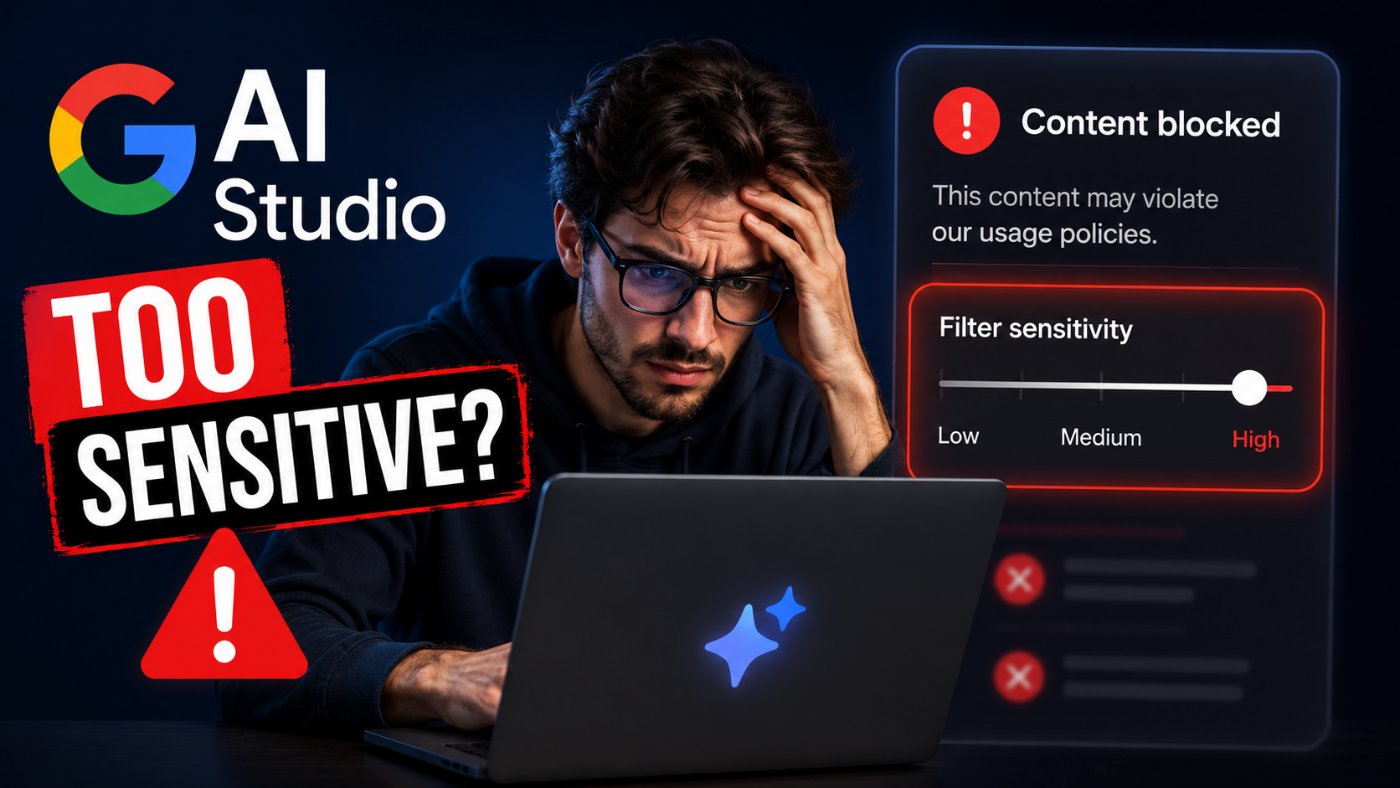
Google AI Studio Filter Sensitivities Frustrate Developers
Google AI Studio's safety filters are blocking legitimate developer requests with growing frequency, according to dozens of reports on Google's own AI developer forum through mid-2026. Fiction translation, original photography, and long-form creative writing have all been caught by the same system meant to stop harmful content.
The pattern matters because Google positions AI Studio as the fastest way for developers to prototype with Gemini models before moving to production. When the filters misfire on harmless prompts, developers say it burns through API quotas, breaks in-progress work, and makes the safety settings feel disconnected from what actually gets blocked.
What Developers Are Reporting
One developer translating the Chinese web novel 'Versatile Mage' into Ukrainian said their prompts were rejected with a 'Prohibited Content' error 20 times in a row, enough to hit their API rate limit on a task with no adult or violent material involved.
A separate report on the forum described AI Studio's image filters rejecting a developer's own original photography of the River Minho estuary between Portugal and Spain, flagging it under the same system built to catch synthetic harmful imagery.
Other threads describe a change in how blocked text generation behaves. Developers doing long-form creative writing and roleplay say that until recently, a filter trigger simply stopped generation at the point of violation and kept the earlier text visible. Now the entire response is erased and replaced with a generic 'Content blocked' message, with no partial output and no quota refund.
Google's Four Filter Categories, Explained
The Gemini API applies adjustable safety filters across four harm categories: harassment, hate speech, sexually explicit content, and dangerous content. Each can be set to Block most, Block some, Block few, or, where available, Block none.
Google's own documentation notes that filtering works on probability of harm, not severity. A sentence with a low probability of being flagged as unsafe can still describe something more severe than a sentence that trips the filter, which is part of why developers see inconsistent results across similar prompts.
One category sits outside developer control entirely. Content that endangers child safety is always blocked and cannot be adjusted regardless of how the four sliders are configured.
● Harassment: content targeting an individual or group with hostile or abusive language
● Hate speech: content that attacks people based on protected attributes
● Sexually explicit: content describing sexual acts or content intended to arouse
● Dangerous content: instructions or promotion of activities that cause physical harm
A Pattern of Over-Blocking, Then Partial Fixes
This is not the first cycle of complaints. Forum threads dating back to early 2026 describe similar frustration: filters that block medical questions, mild language, or fictional violence that carries no real-world risk.
Google's Text-to-Speech documentation for AI Studio, updated in May 2026, acknowledged the filters were previously over-aggressive on non-sensitive prompts involving medical content and mild language, and said the system is now more discriminating. But developers posting through June and into July 2026 describe the same category of problem in the text and image generation surfaces, suggesting the fix has not carried across every part of the product.
Verma notes: the recurring theme across these reports is not that Google's filters are too strict in principle. It's that the system appears to weigh surface-level pattern matches, like specific words or repeated prompt phrasing, more heavily than the actual context a developer supplies.
Why This Matters for Developers Building on Gemini
Developers evaluating Gemini against alternatives like OpenAI's models or Anthropic's Claude often prototype first in AI Studio because it is free and requires no API key setup. Filter false positives at this stage shape a developer's first impression of how production-ready the underlying model is, independent of the model's actual output quality.
For teams building translation tools, creative writing apps, or roleplay products specifically, unpredictable blocking is a harder problem than a strict-but-consistent filter, because it makes it difficult to test workarounds or set expectations for end users.
Key Takeaways
● Developers on Google's AI Studio forum reported repeated false-positive blocks through June and July 2026, including on fiction translation and original photography.
● AI Studio's adjustable filters cover four categories: harassment, hate speech, sexually explicit content, and dangerous content.
● Filtering is based on probability of harm, not severity, which Google says can produce inconsistent results across similar prompts.
● Child safety content is always blocked and cannot be adjusted, regardless of the four category settings.
● Google's May 2026 update to AI Studio's text-to-speech filters said blocking had been refined to be less aggressive, but similar complaints persisted in other AI Studio surfaces into July 2026.
Related Articles
● Claude Opus vs Sonnet: Which Model Should You Use?
● ChatGPT vs Claude: Full Comparison
● Claude API Pricing 2026: Full Breakdown
Frequently Asked Questions
Why does Google AI Studio keep blocking my prompts?
AI Studio's safety filters can flag prompts based on the probability of harmful content rather than clear-cut rule violations. Developers have reported false positives on fiction translation, medical topics, and even original photography through 2026.
How many safety filter categories does Gemini API have?
Four adjustable categories: harassment, hate speech, sexually explicit content, and dangerous content. Each supports Block most, Block some, Block few, and in some cases Block none settings.
Can I turn off Google AI Studio's safety filters completely?
Not entirely. Content endangering child safety is always blocked and cannot be adjusted. The four other categories can be set to lower thresholds, but Google's terms of service still apply, and less restrictive configurations may be subject to review.
Did Google change how blocked content is displayed in AI Studio?
Developers reported in March 2026 that blocked long-form responses started being erased entirely instead of stopping at the point of violation, removing previously visible partial output.
Is Google fixing the over-blocking issue?
Partially. Google's May 2026 documentation for AI Studio's text-to-speech feature said filter behavior had been refined to reduce over-blocking on non-sensitive prompts, but forum reports about text and image generation continued into July 2026.
Does this affect the Gemini API as well as the AI Studio web app?
Yes. The same HarmBlockThreshold safety settings and default filter behavior apply to both the Gemini API and the Google AI Studio web interface, since AI Studio runs on the same underlying models and safety infrastructure.
References
1. Google AI for Developers — Safety settings documentation for the Gemini API
2. Google AI for Developers — Safety and factuality guidance
3. Google AI Developer Forum — Report on fiction translation false positives
4. Google AI Developer Forum — Report on original photography false positives
5. Google AI Developer Forum — Report on blocked-response display change
6. Google Cloud Documentation — Safety and content filters configuration
Similar Updates
MCP Goes Stateless: The July 28 Spec Update and How to Prompt Multi-Agent Systems
The Agentic AI Foundation's next MCP specification, final on July 28, 2026, makes the protocol stateless at the transport layer. Here's what changes and how to standardize prompts across MCP and A2A.
GPT-5.6 Goes Public: Sol, Terra, and Luna Launch July 9 After Government Review
OpenAI moved GPT-5.6 Sol, Terra, and Luna from a government-gated limited preview to public rollout on July 9, 2026. Sol leads Terminal-Bench 2.1 at 88.8 percent, with an Ultra mode reaching 91.9 percent.

Today in AI: 5 Stories Shaping the Future, June 26, 2026
June 26, 2026: The co-author of the Transformer paper that powers every major AI model just joined OpenAI, a new attack class called Agentjacking hit 2,388 organizations with 85 percent success, Gemini 3.5 Pro has four days left, and the White House signed a sweeping AI executive order.

AI Today: GPT-5.6 Missed, Gemini Deadline Looms, Claude Enters Slack
GPT-5.6 window closes as July launch looms, Gemini 3.5 Pro deadline arrives with 5 days left, Anthropic's Claude Tag reshapes enterprise Slack workflows, SK Hynix files for a $29.4B US listing, and the coding AI arms race gets a new CNBC scorecard. Five stories from June 25, 2026.