
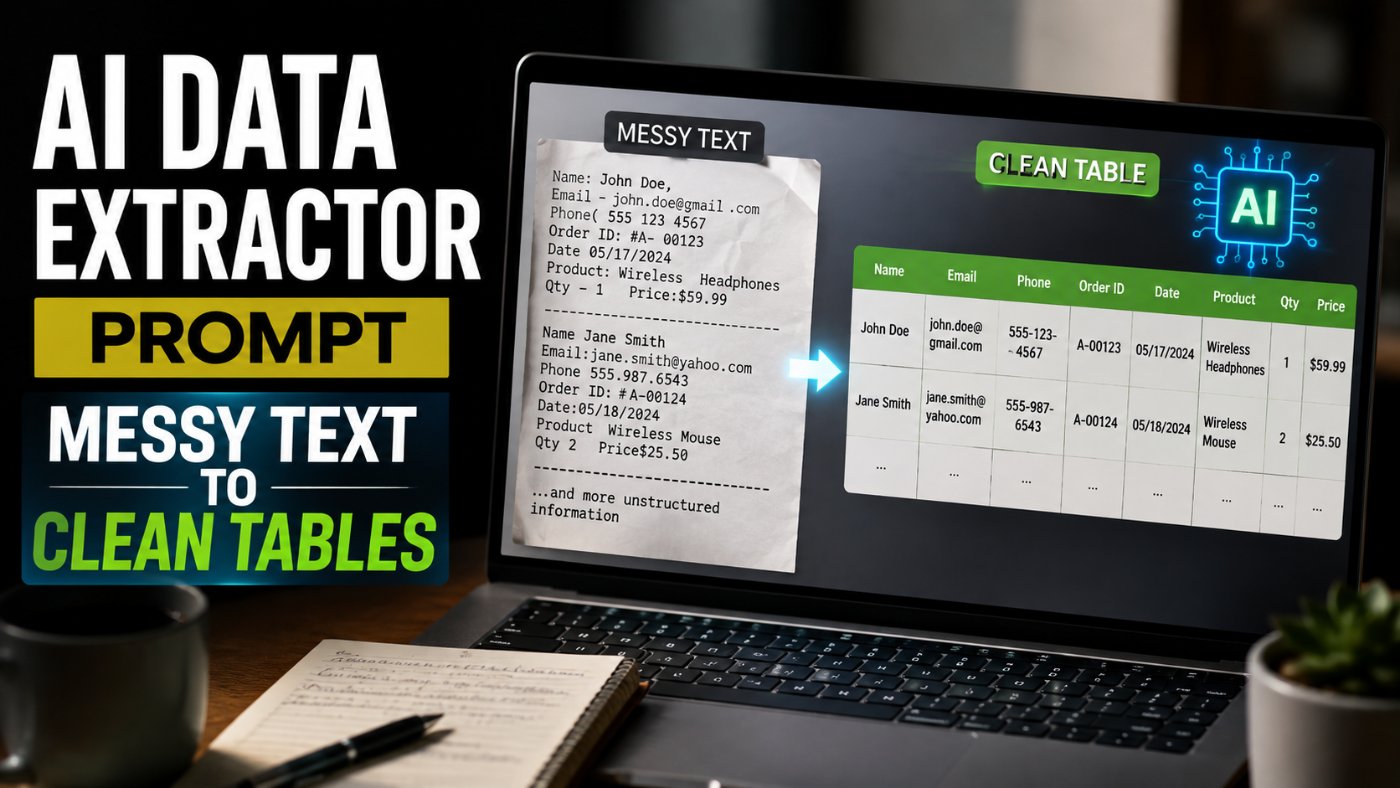
AI Data Extractor Prompt: Messy Text To Clean Tables
I used to copy a wall of text out of a PDF, a scanned invoice, an email thread, a contract, and manually pick out every name, date, and dollar figure by hand into a spreadsheet. It was slow and I still missed things. One structured prompt now does that entire extraction in seconds and hands back a clean table I can paste straight into a document or spreadsheet.
Why Manual Data Extraction Wastes So Much Time
Messy source text, a pasted PDF, a scanned contract, a long email thread, buries the actual data you need inside formatting noise: line breaks in the wrong places, inconsistent date formats, currency symbols that do not match, names split across lines. Pulling that out by hand is slow and genuinely error-prone, because tired eyes skip line items just as easily as a bad regex does.
Here is my honest take: this is one of the clearest cases where AI is doing something it is straightforwardly better at than a human doing it manually, not because it is smarter, but because it does not get bored on line 40 of a 60-line invoice the way a person does.
The Core Data Extraction Prompt
Bad Prompt (what most people type)
Make a table from this: [paste text]
Good Prompt (adds structure and context)
Extract the important information from this text and put it in a table: [paste text]
Expert Prompt (production-ready, fully specified)
Act as a data extraction assistant.
Task: Extract the names, dates, and financial figures from this messy text/PDF copy-paste: [PASTE TEXT]. Format the output strictly as a clean Markdown table.
Format: A Markdown table with columns: Name, Date, Amount, and a Notes column for any context needed to interpret the row (e.g. what the amount refers to). Use a consistent date format (YYYY-MM-DD) and consistent currency formatting across every row.
Constraints: If a name, date, or amount is unclear or ambiguous in the source text, do not guess, write [unclear] in that cell instead. Do not omit any row just because one field is missing, include the row with the missing field marked [unclear] or left blank. Do not add any commentary before or after the table.
Tone: Precise, no summarization or interpretation beyond what is explicitly stated in the source text.
Text:
[PASTE YOUR MESSY TEXT OR PDF COPY-PASTE HERE]
What changed: The bad prompt returns an inconsistent table with the model deciding on its own what counts as important, often dropping rows it decides do not matter. The good prompt asks for extraction but still leaves formatting consistency and ambiguous data handling undefined. The expert prompt standardizes date and currency formatting, forces every row to appear even with a missing field, and explicitly bans guessing on unclear data, which is what actually makes the output trustworthy enough to paste directly into a real spreadsheet without a manual double-check of every cell.
Why This Prompt Works: Breaking Down Each Instruction
● "Strictly as a clean Markdown table" prevents the model from wrapping the table in unnecessary preamble or explanation, which breaks a clean copy-paste into a spreadsheet or document.
● A defined Notes column captures context that would otherwise be lost, what an amount was for, which name it's tied to, without cluttering the main data columns.
● The instruction not to guess on unclear data is the single most important constraint in the prompt. A model that quietly guesses at an illegible figure produces a table that looks complete and clean while actually containing invented data.
● Requiring every row to appear even with a missing field stops the model from silently dropping incomplete entries, which is a common failure mode that makes an extraction look more complete than it actually is.
Example: Extracting From A Messy Invoice Paste
Here is roughly what this prompt returns on a typical messy invoice paste, so you know what a good result looks like.
Source text (condensed for this example): a jumbled paste containing "Invoice #4471, Bill To: J. Martinez, 03/14/26, Consulting services $2,450.00... Payment received from Sarah Chen on March 18 2026 for $980, ref #4472 unclear amount for third line item..."

Notice the third row: rather than guessing at a figure it could not confidently read, the model marked it unclear and kept the row visible, exactly the behavior the constraints in the expert prompt were designed to produce.
Variation: Extracting Custom Fields Beyond Names, Dates, Figures
Not every extraction task needs exactly names, dates, and amounts. This variation generalizes the prompt to any set of fields you define.
Expert Prompt
Act as a data extraction assistant.
Task: Extract the following fields from this messy text/PDF copy-paste: [LIST YOUR FIELDS, e.g. Company Name, Contract Start Date, Renewal Date, Contact Email]. Format the output strictly as a clean Markdown table.
Format: A Markdown table with one column per field listed above, plus a Notes column for context. Use consistent formatting within each column (dates, emails, etc).
Constraints: If a field is unclear or missing for a given entry, mark it [unclear] rather than guessing. Do not omit incomplete rows. No commentary outside the table.
Tone: Precise, no interpretation beyond what the source text states.
Text:
[PASTE YOUR MESSY TEXT HERE]
Variation: Extracting From Multiple Documents At Once
When you need to consolidate data from several separate pastes into one combined table, add a source-tracking column so you can trace each row back to its origin.
Expert Prompt
Act as a data extraction assistant consolidating multiple sources.
Task: Extract the names, dates, and financial figures from each of the text blocks below, labeled Source 1, Source 2, etc. Combine them into a single clean Markdown table.
Format: A Markdown table with columns: Source, Name, Date, Amount, Notes. Use consistent date and currency formatting across all sources.
Constraints: Mark unclear fields as [unclear] rather than guessing. Keep every row from every source, even incomplete ones. No commentary outside the table.
Tone: Precise, consistent formatting across all combined sources.
Source 1:
[PASTE FIRST TEXT BLOCK HERE]
Source 2:
[PASTE SECOND TEXT BLOCK HERE]
Handling Extraction Errors And Missing Data
Before You Trust The Output
Always spot-check a sample of extracted rows against the original source text, especially for financial figures, since even a well-constrained prompt can occasionally misread dense or poorly formatted text.
Never paste sensitive personal data (full account numbers, government IDs, medical record details) into a general-purpose AI tool unless you are using an enterprise deployment with an appropriate data handling agreement in place.
Treat any row marked [unclear] as a flag to check the original document yourself, not as a gap to fill in with a guess of your own.
Copy-Paste Template: Data Extraction Prompt
Use this exactly as written. Replace the [brackets] with your specifics.
Act as a data extraction assistant.
Task: Extract the names, dates, and financial figures from this messy text/PDF copy-paste: [PASTE TEXT]. Format the output strictly as a clean Markdown table.
Format: Markdown table with columns Name, Date, Amount, Notes. Consistent date format (YYYY-MM-DD) and consistent currency formatting throughout.
Constraints: Mark any unclear or ambiguous field as [unclear] rather than guessing. Include every row even with missing fields. No commentary before or after the table.
Tone: Precise, no interpretation beyond what the text explicitly states.
Text:
[PASTE YOUR MESSY TEXT OR PDF COPY-PASTE HERE]
-- Role: Data extraction assistant
-- Task: Pull structured fields from unstructured text
-- Format: Clean Markdown table, consistent formatting
-- Constraints: No guessing on unclear data, no dropped rows, table only
-- Tone: Precise, literal, no added interpretation
Save this to your prompt library at promptailearning.com/prompts and reuse it for every invoice, contract, or email thread you need turned into clean data.
Prompt Glossary
Structured extraction: Pulling specific, defined pieces of information (like names, dates, or amounts) out of unstructured text and organizing them into a consistent format.
Markdown table: A lightweight table format using pipe and dash characters, easily readable as plain text and easily converted into spreadsheets or formatted documents.
Field consistency: Using the same format for every entry within a column, such as a single date format or currency style, rather than mixed formats across rows.
Unclear flag: Explicitly marking a data point as uncertain or unreadable rather than having the model silently guess a value, which preserves the reliability of the rest of the extraction.
Source tracking: Adding a column that identifies which original document or text block each extracted row came from, useful when consolidating data from multiple sources.
Recommended Blogs
If you found this useful, these posts go deeper on related topics:
● Best ChatGPT Prompts 2026: 200+ With Real Examples
● Business and Strategy Prompts - Analysis, Pitch Decks, OKRs
● Free Prompt Library
Frequently Asked Questions
What is the best AI prompt for extracting data from messy text?
A prompt that explicitly requests a Markdown table with defined columns, consistent formatting, and an instruction not to guess on unclear data produces the most reliable results, as shown in the Expert Prompt in this guide.
Can AI extract data directly from a PDF?
Most AI chatbots can extract data from text copy-pasted out of a PDF. Some tools also support direct PDF upload, in which case the same extraction prompt structure works, just attach the file instead of pasting the text.
How do I stop AI from guessing at unclear data during extraction?
Explicitly instruct the model to mark any ambiguous or illegible field as [unclear] rather than guessing, and to keep the row visible even with a missing field, rather than silently dropping incomplete entries.
Can I extract fields other than names, dates, and financial figures?
Yes, the extraction prompt generalizes to any fields you define, such as company names, contract dates, or contact emails, by listing your specific fields in place of names, dates, and figures, as shown in the Custom Fields variation.
Why does my extracted table have inconsistent date formats?
This happens when the prompt doesn't specify a required format. Explicitly requesting a single consistent format, such as YYYY-MM-DD, across all rows resolves this.
Is it safe to paste sensitive documents into an AI chatbot for extraction?
Avoid pasting sensitive personal data like full account numbers or government IDs into a general-purpose AI tool unless using an enterprise deployment with an appropriate data handling agreement. Spot-check extracted output before relying on it for anything with real consequences.
Can AI combine data from multiple documents into one table?
Yes, by labeling each source text block clearly in the prompt and requesting a combined table with a source-tracking column, as shown in the Multiple Documents variation in this guide.
How accurate is AI data extraction compared to manual entry?
With a well-constrained prompt that flags uncertainty rather than guessing, AI extraction is generally faster and at least as accurate as manual entry for large volumes of text, though spot-checking a sample of results against the original source remains good practice.
References
● Anthropic Claude Documentation - Official model and API documentation
● Prompt AI Learning Prompt Library - 400+ free templates
Follow along on promptailearning.com for weekly guides on prompting, AI tools, and getting more out of every model.
EXPLORE MORE ON PROMPTAILEARNING.COM
STAY UPDATED WITH AI NEWS
Follow the full AI news series and never miss a story:
● Daily AI News - Top 5 Stories Every Morning
● Weekly AI Roundups - 15+ Stories Every Monday
● Monthly AI Recaps - Full Archive by Month
LEARN THE MODELS MAKING THESE HEADLINES
The models in today's news are only useful if you know how to prompt them well. Start here:
● Best Claude AI Prompts 2026 - 25+ Types With Examples
● Best ChatGPT Prompts 2026 - 200+ Real Examples
● Best Gemini AI Prompts 2026 - 100+ Templates
COMPARE THE MODELS
Not sure which model to use? These comparison pages give you the full picture:
● ChatGPT vs Claude - Full 2026 Comparison
● AI Models Directory - Compare 60+ LLMs, Image and Video Models
BUILD SKILLS THAT COMPOUND
Reading AI news is step one. Building skills with these models is step two:
● Free Prompt Library - 213+ Copy-Paste Templates
● Start Prompt Engineering - Free Course for All Levels
● The Guide to Agentic Prompts
● Coding Prompts for Developers - Production-Ready Templates
USE PROMPTS FOR THE NEWS TOPICS YOU READ ABOUT TODAY
Every story in today's post maps to a real use case. These prompt categories help you act on what you read:
● Business and Strategy Prompts - Analysis, Pitch Decks, OKRs
● Writing and Content Prompts - Emails, Case Studies, White Papers
● AI Knowledge Hub - Technical Blueprints and Career Guides
ABOUT THIS BLOG
promptailearning.com publishes free daily AI news, weekly roundups, monthly recaps, prompt guides, model comparisons, and course content for anyone who wants to get better at using AI. Written by Swatantra Verma. No paywalls, no fluff.
Connect With Us
● Email: contact@promptailearning.com
● Founder: Swatantra Verma on LinkedIn
● Co-Founder: Prateek Patel on LinkedIn
● Company LinkedIn: Prompt AI Learning
● Company X: @promptailearnin